
Start Telemedicine Session Here >
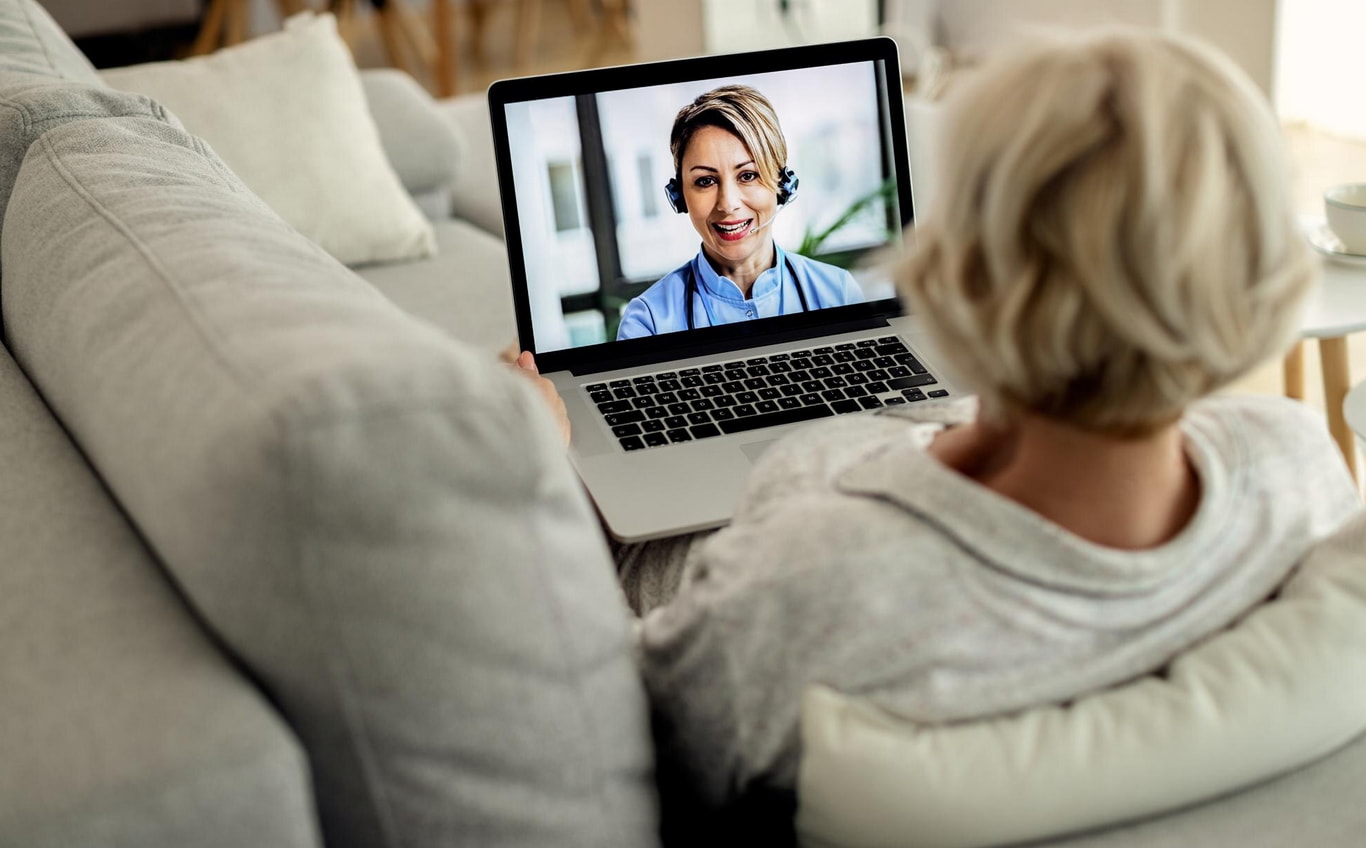
Charak Center is delighted to offer remote services to our patients. Telemedicine offers you the flexibility to be seen by one of our treatment providers from the comfort of your own home via a smart phone, tablet, or computer. Whether you are new to us, or an established patient, you now have the option to have your appointment conducted remotely.
It’s simple and easy to conduct a visit from your smart device. Our team can guide you through the process if you are unsure. Just give us a call.
If your visit requires a urine screen, and you prefer to have this done at home, we can set this up for you. Just let us know in advance.
Telemedicine Guide:
1. Give yourself time to sign in on your smart phone, computer or tablet, and enable your camera and microphone if asked.
It is important to be ready at the time your appointment is scheduled as sometimes appointments can run longer or shorter. Bear in mind that your provider is working hard to stay on schedule and will be with you as soon as possible.
2. To Check in, click here or enter http://charakcenter.doxy.me in you web browser's address bar.

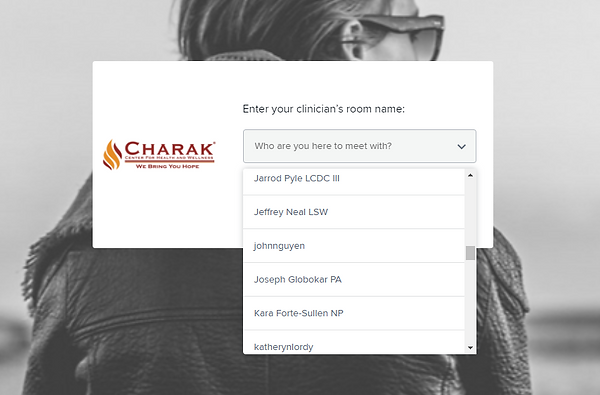
3. Select your provider's name from the dropdown menu and then click "Enter Room".
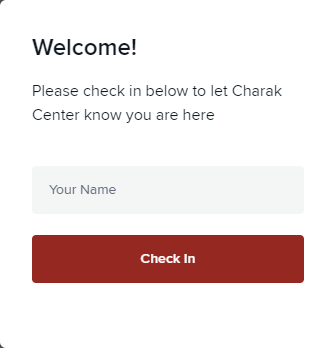
4. Enter your first & last name and click "Check In"
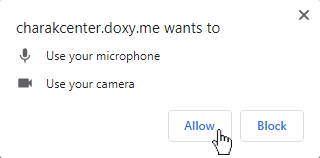
5. Enable your webcam and microphone if asked.
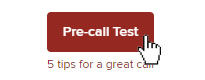
6. Run a pre-call test to check if your speakers, microphone and camera are working properly. Click the button at the bottom left corner of your screen and follow the prompts.
7. Once you are in the provider’s waiting room, you must wait for them to start the call. When using Wi-Fi, remember that the connection can vary depending on your location. It is best to stay in one place.
✔️ Secure
✔️ No Software to Download
✔️ HIPAA Compliant
✔️ No Registration Needed
Start Telemedicine Session Here >
How we use Creyos in our clinic
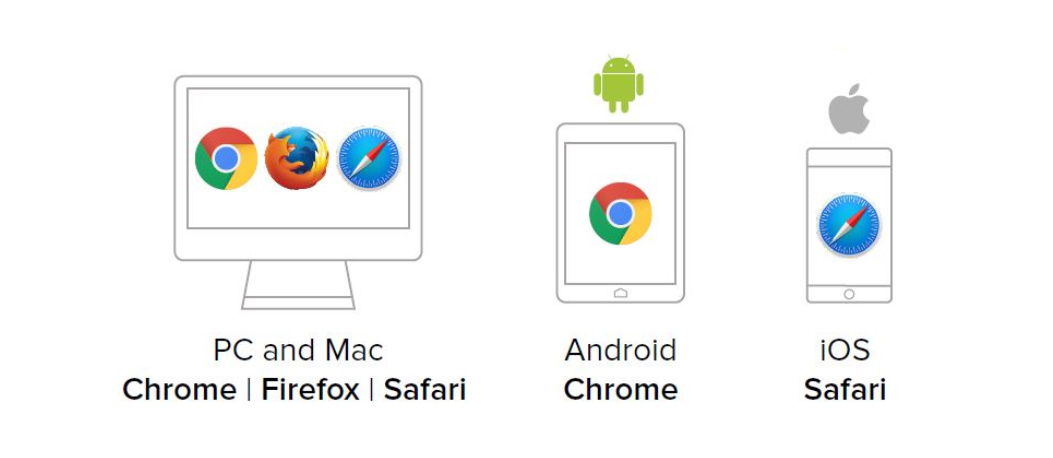
Taking a Creyos Health assessment is straightforward and hassle-free—no need for any fancy gadgets. You can do it on any device you prefer, like your laptop, desktop, or tablet, and it works with all the latest web browsers. Here's a quick run-through of the steps: Your healthcare provider set up an time for you to do the assessment. Before you take the assignment, you will be guided on what to expect, how to tackle the assessment, and how long it'll probably take. After you've got the hang of the tutorial, it's showtime! Complete the task, and once you're done, a report will zip off to your practitioner to check out.